Arena PVP

Family Friendly Minecraft Servers

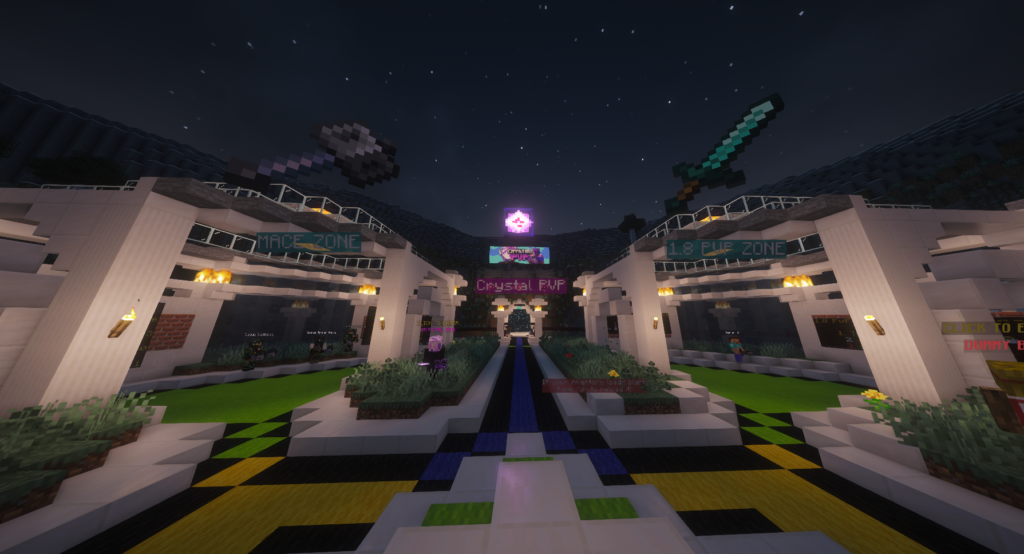
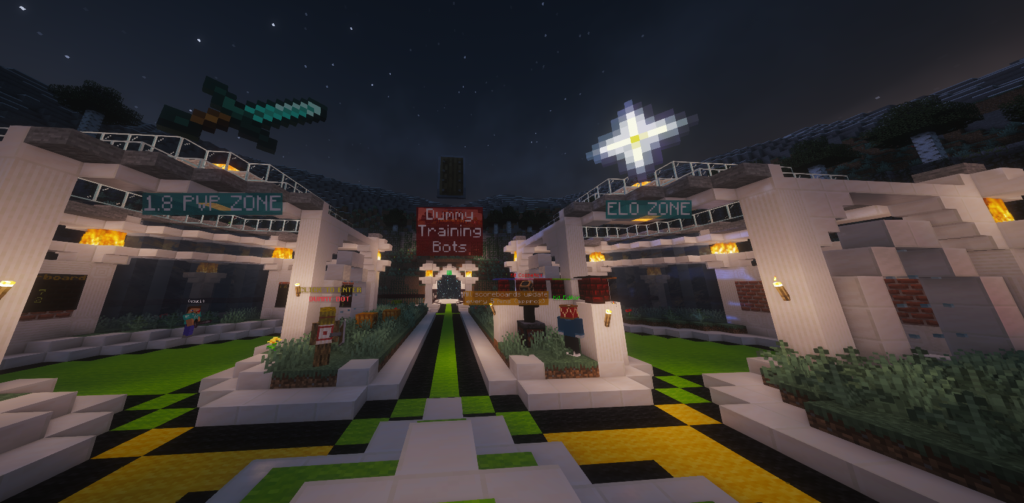
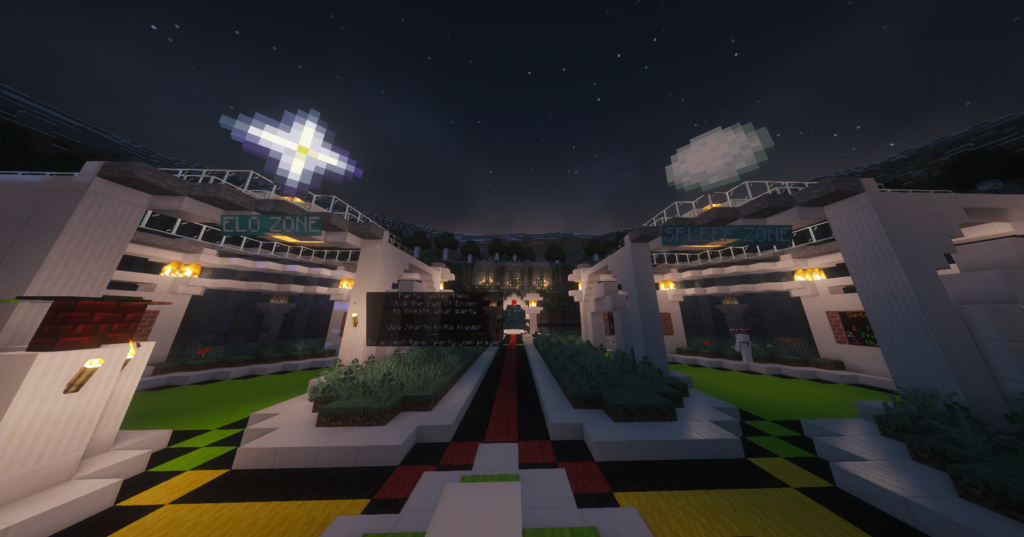
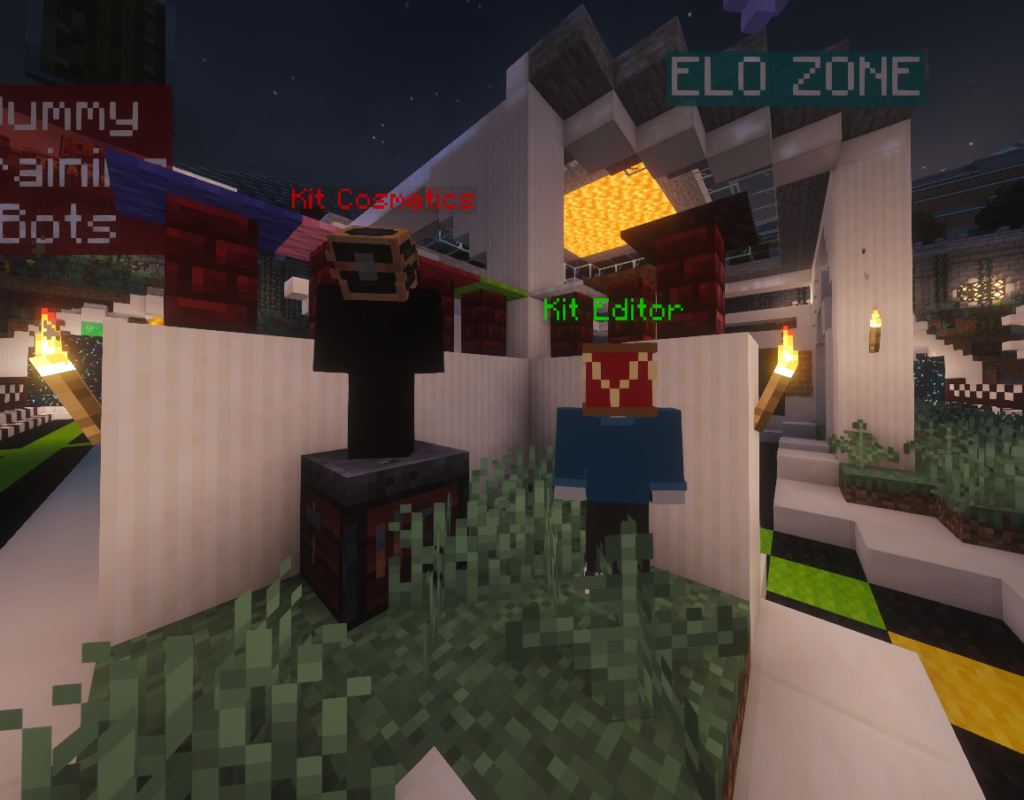
Sharpen your skills with 15+ unique kits across 5+ custom maps.

Checking status…

PLAY ON JAVA & BEDROCK

pvp.neonmc.club

Java · 1.12 - Latest Bedrock · Port 19132

How to Join on Consoles (PlayStation, Xbox, Switch)

Console Bedrock does not allow custom servers directly — but you can join using a mobile app.

Using BedrockTogether or BedrockConnect:

  1. Install BedrockTogether or BedrockConnect on your phone.
  2. Make sure your phone and console are on the same Wi-Fi network.
  3. Open the app and enter:
    Server IP: pvp.neonmc.club
    Port: 19132
  4. Press Run / Start in the app.
  5. On your console, open Minecraft → Friends → join the LAN game that appears.

Need Help?

Join our Discord community for support, updates, and events!

Join Our Discord

⚔️ Neon Crest PvP Arenas ⚔️
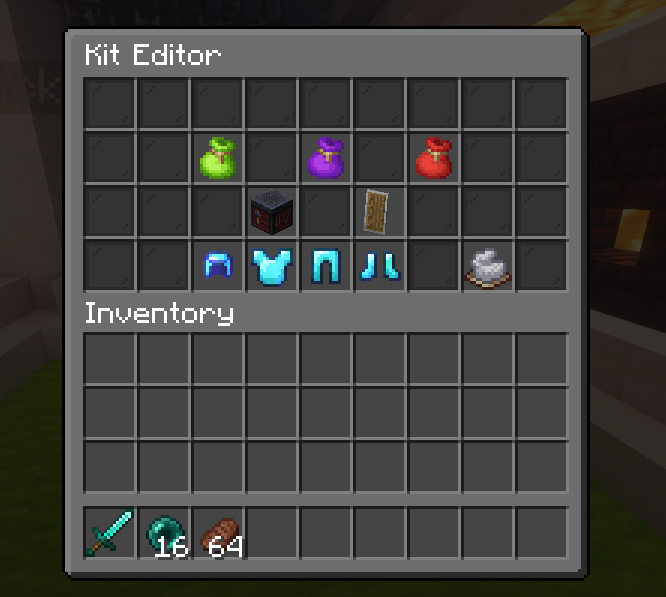
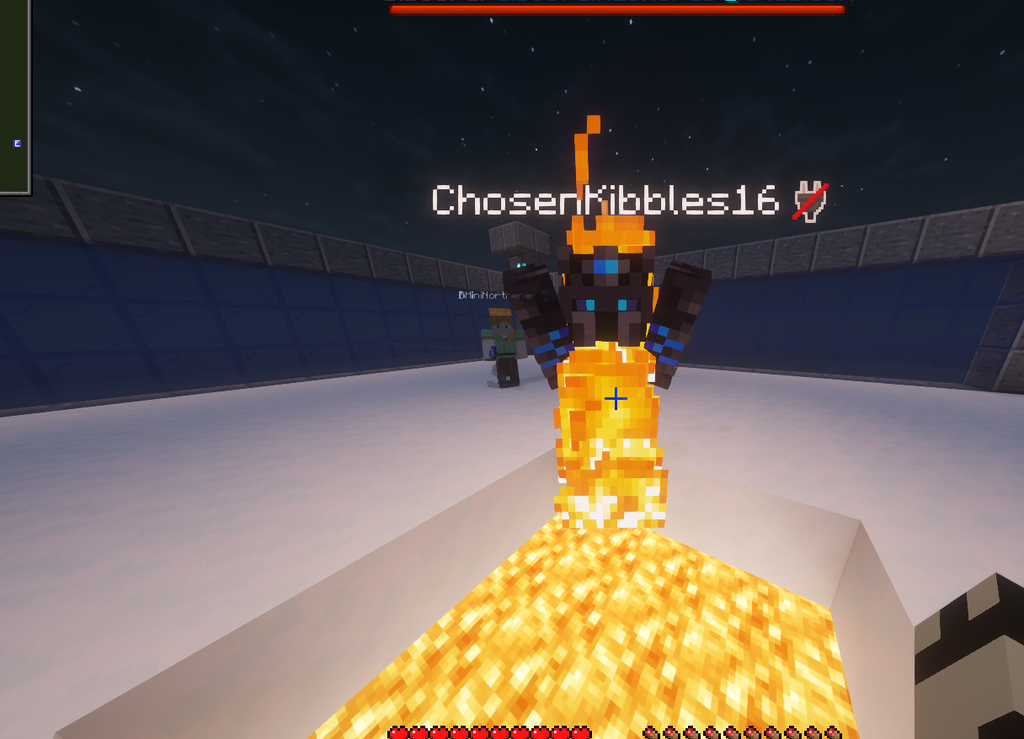
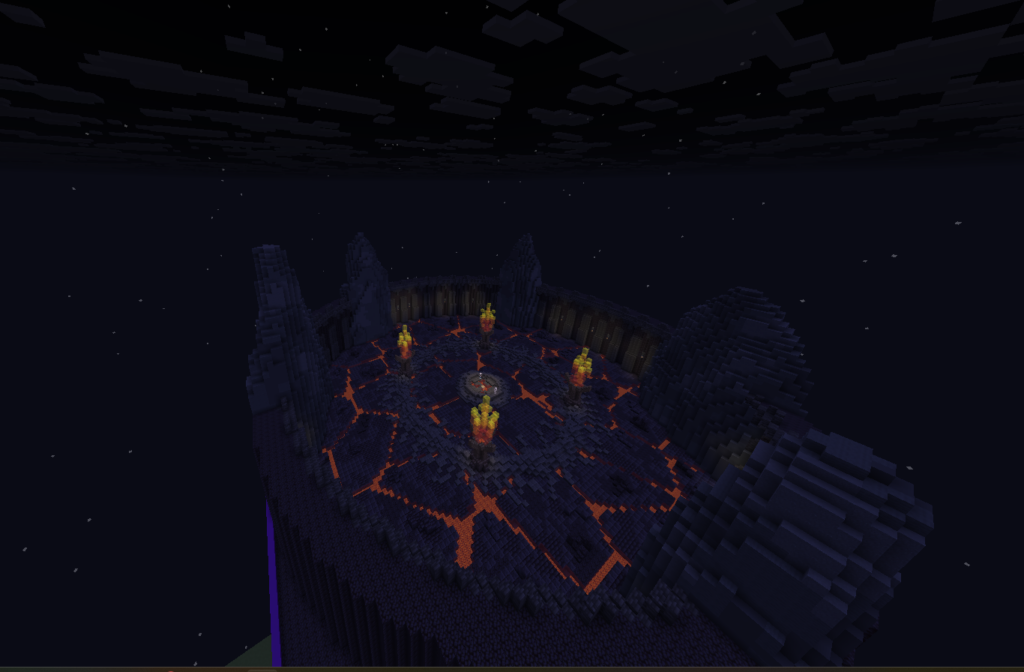
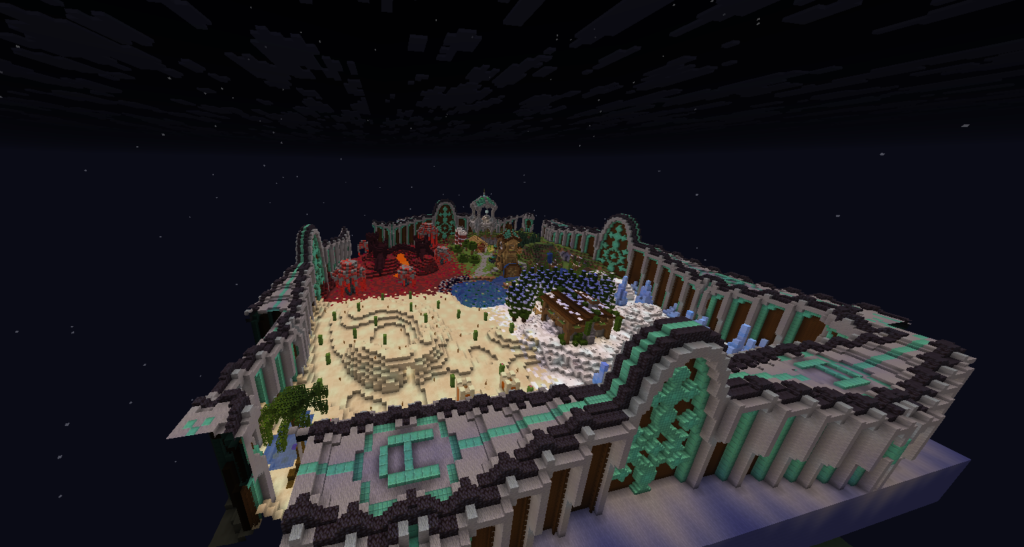
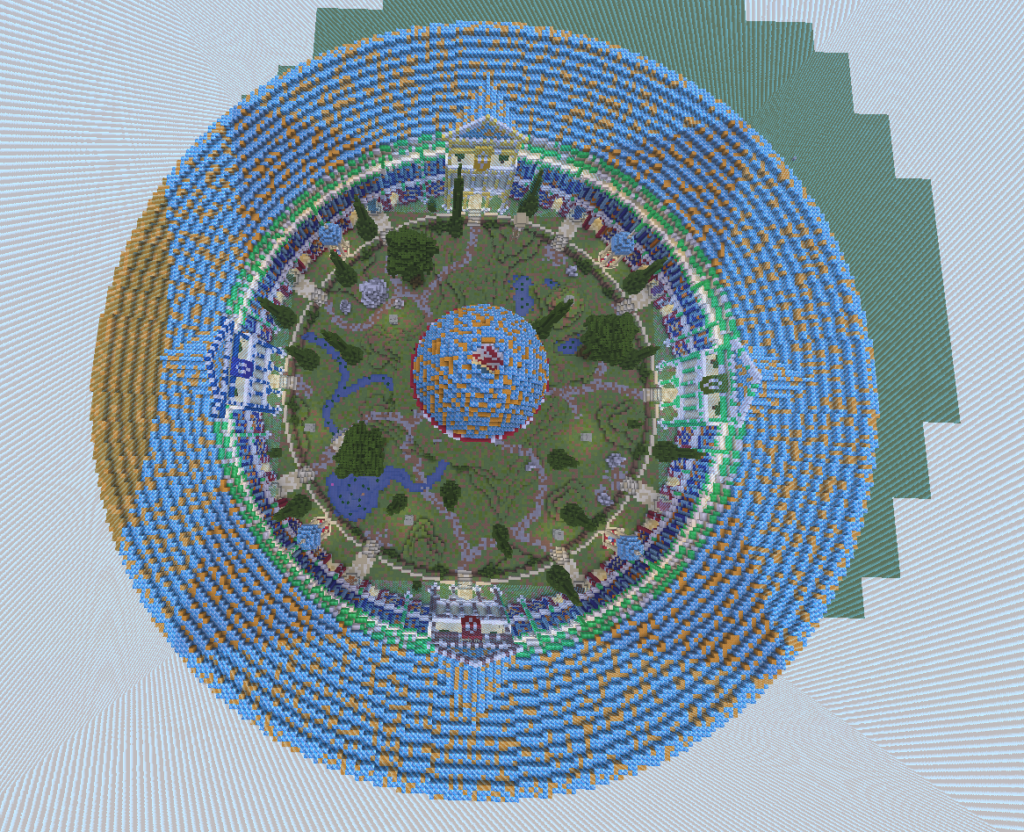
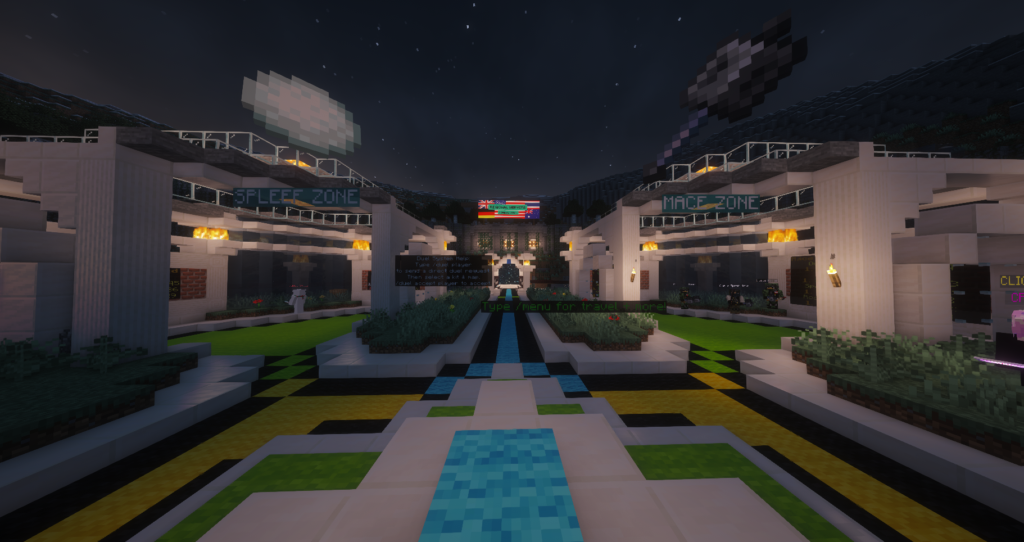
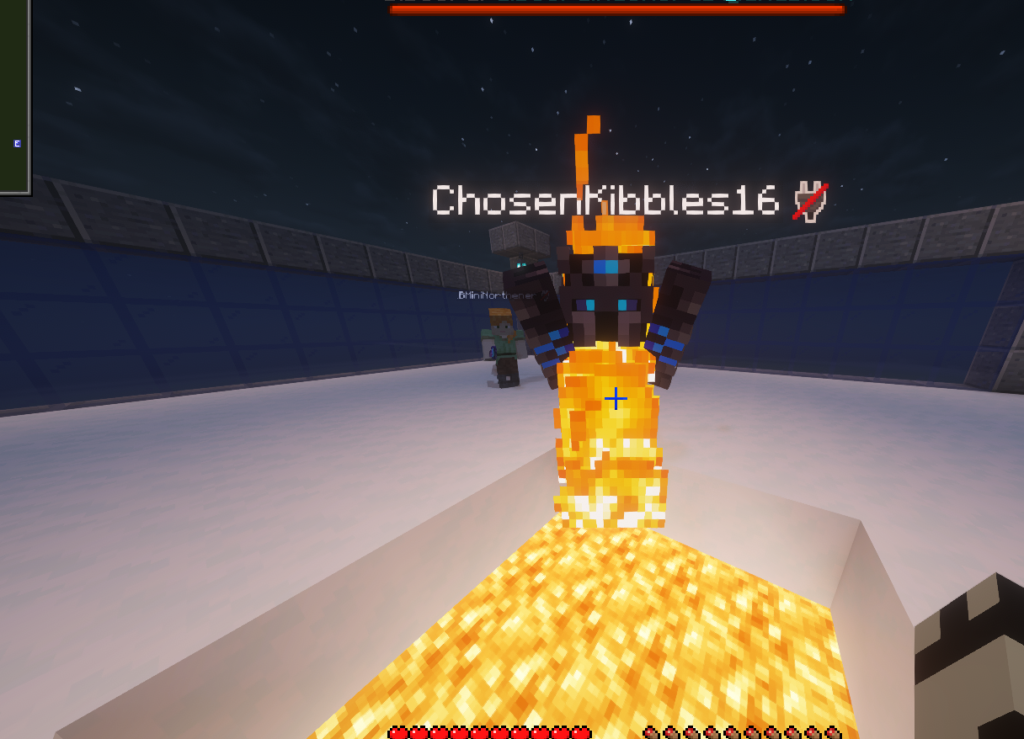
Think you’re good at Minecraft PvP? Put your skills to the test on Neon Crest PvP Arenas — built for casual fights, competitive players, and anyone looking to improve.
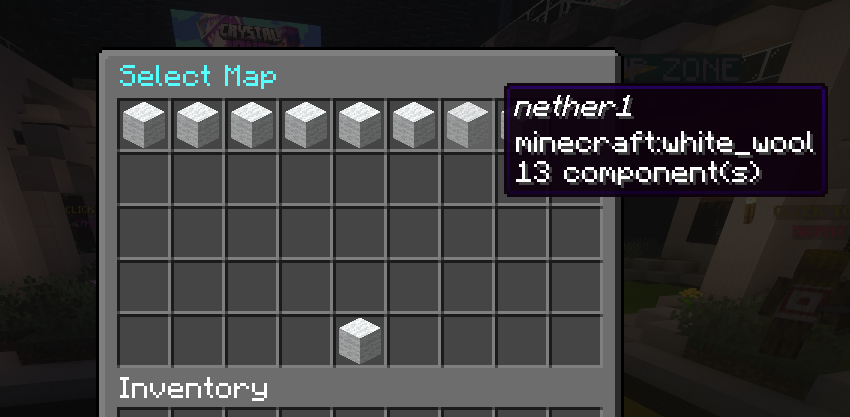

🔥 PvP Modes

  • ⚔️ Kit PvP
  • 💀 UHC PvP
  • 🧨 TNTCart PvP
  • 🥊 Sumo PvP
  • ❄️ Spleef PvP
  • 👥 Team Fights
  • ⚔️ FFA Fights
  • ⚔️ 1.8-Style PvP

🏆 Competitive Features

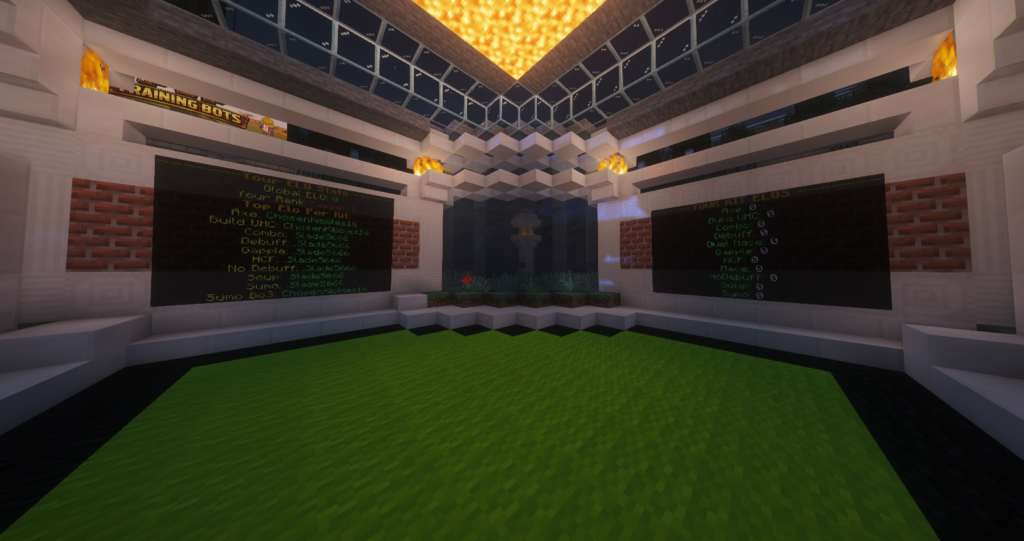
  • 📈 Ranked ELO System
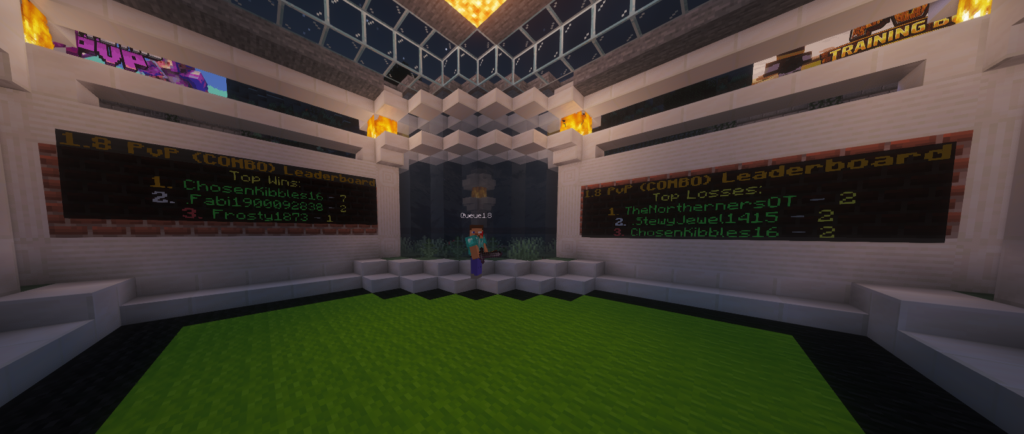
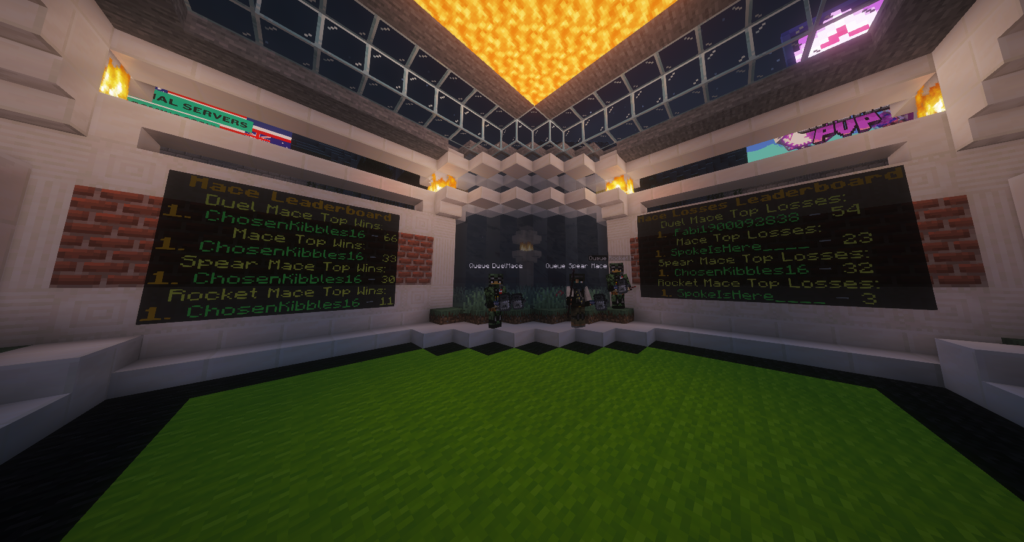
  • 🏅 Player Leaderboards
  • 🎥 Fight Recordings
  • 🤖 PvP Training Bots
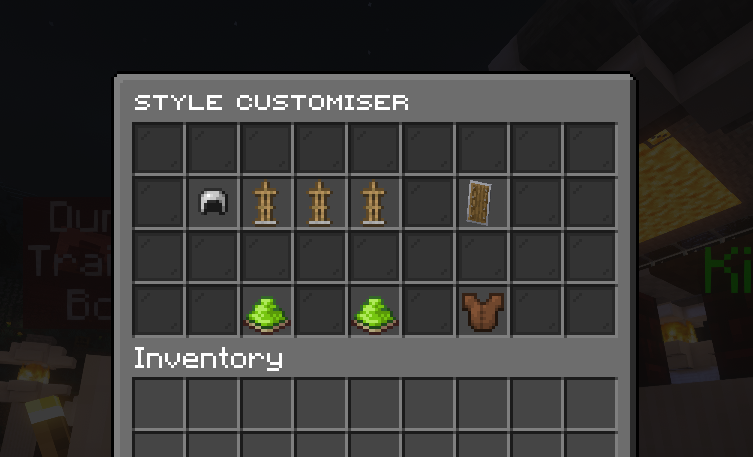
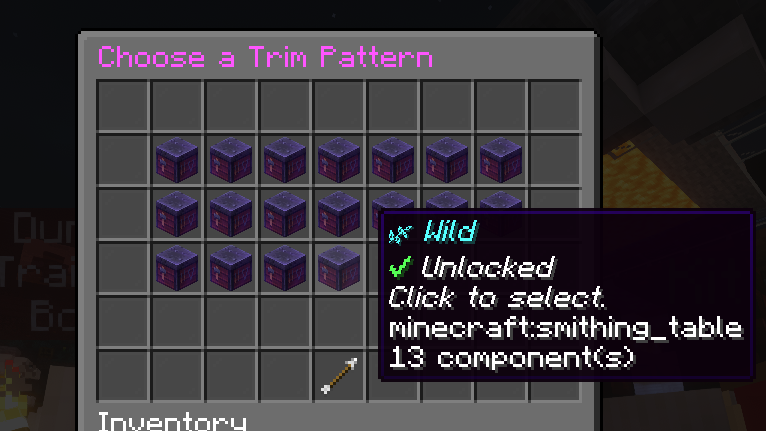
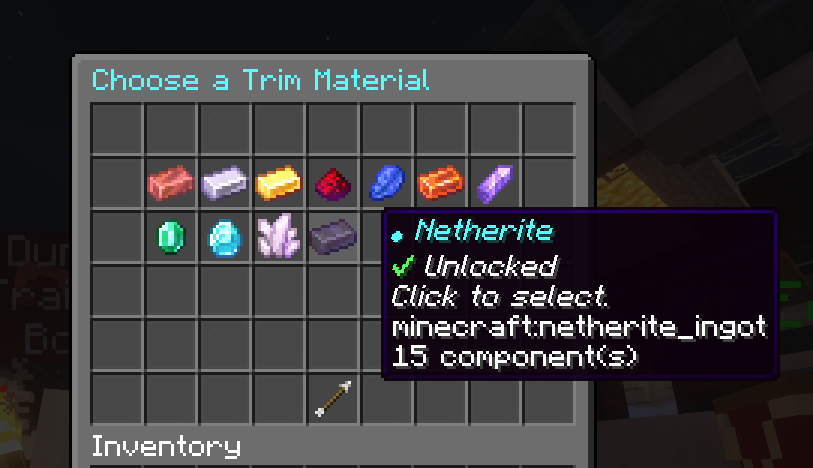
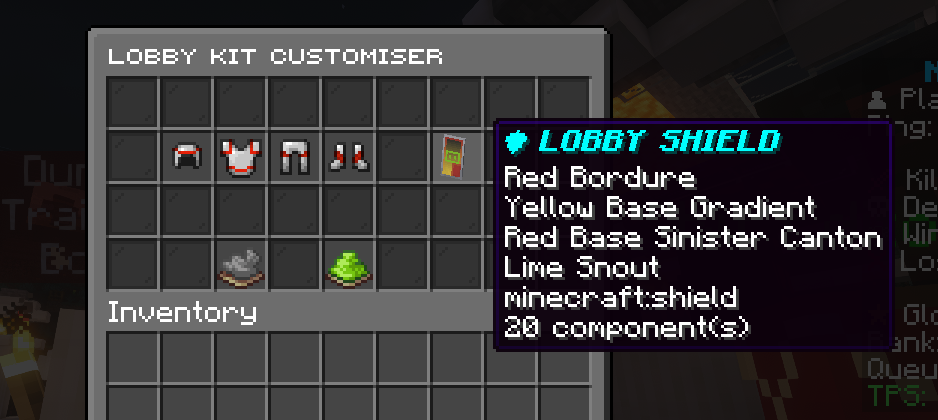
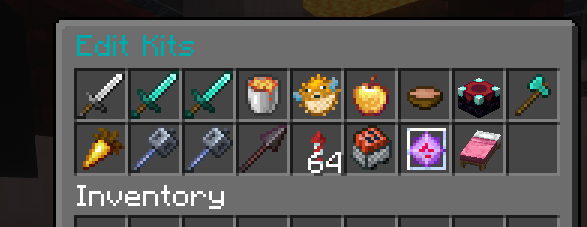
  • 🛠️ Kit Customiser

🌍 More PvP on Neon Crest

Our main SMP also has its own dedicated Own Inventory PvP world named The Wasteland, giving you another place to fight and play alongside the wider Neon Crest community with your own grinded gear — where you risk your loot.

⚔️ Enter the arena. Fight. Improve. Climb the leaderboard.
🏆 Neon Crest PvP Arenas